Context preservation
Names, numbers, citations, dates, and quoted terms remain protected throughout the rewrite process.
Turn robotic AI drafts into natural, readable writing. Improve sentence rhythm, reduce repetitive phrasing and build on your original ideas in English or Chinese.
 TURNITPASS / AI Humanizer
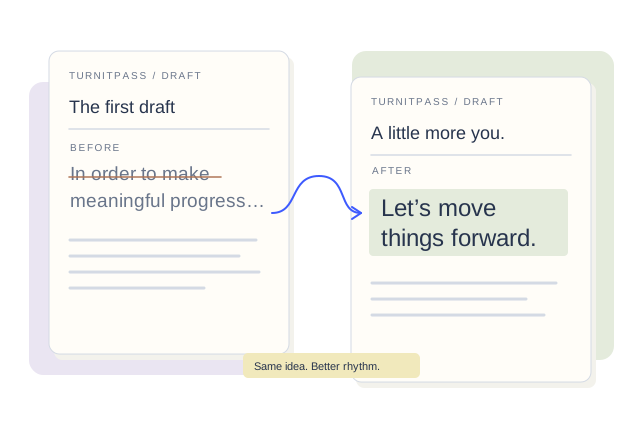
Compare original and revised text side by side.
Parse text from PDF, DOCX, and TXT files instantly.
Process drafts as English, Simplified Chinese, or Traditional Chinese.
Choose how much to rewrite, preserve citations and compare versions side by side. Make essays, articles and reports sound more like you.
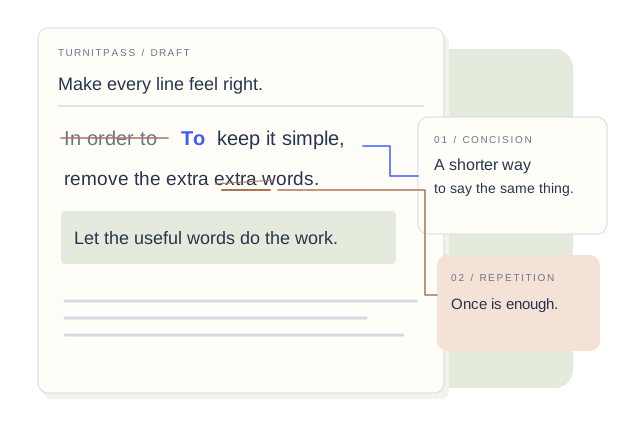
Names, numbers, citations, dates, and quoted terms remain protected throughout the rewrite process.
We target uniform sentence structures and robotic transitions to make your drafts read naturally.
Optimized specifically for English, Simplified Chinese, and Traditional Chinese writing styles.
Tuned for essays and reports—clearer rhythm without changing your core argument.
Compare the original draft, revised text, and AI-writing signals side by side.
Scores are guidance, not a final call. Use the highlighted passages as your revision checklist.Sentence lengths and structures are varied naturally to eliminate robotic cadence.
Key terminology, inline references, and formatting are kept intact.
Robotic transitions are replaced with natural, flow-improving connections.
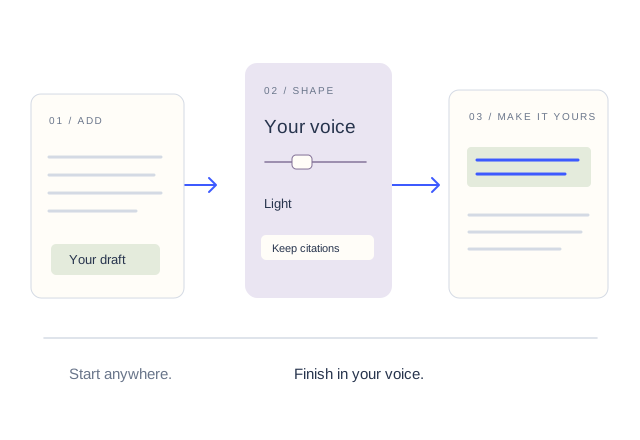
Revise your draft in three steps: paste, review side by side, then export.
Paste your draft directly into the workspace or upload common document formats.
Choose English, Simplified Chinese, or Traditional Chinese. Citations stay visible while you edit.
Compare your source text with the polished output, adjust settings, and export your work.
Refine AI-assisted drafts while keeping citations and core arguments intact.
Convert generic drafts into polished articles with varied rhythm and clear voice.
Polish internal and client-facing documents without altering the intended meaning.
Embed writing revision features directly into your apps and platforms.
Humanize AI text, reduce robotic phrasing and make every draft sound like you.
No. Simple paraphrasers only swap synonyms, often producing awkward phrasing. TurnitPass restructures sentences, varies rhythm, and improves flow to make the text read naturally.
Yes, through the Pass Guarantee. If the Turnitin AI detector flags a rewrite we delivered, we re-run that text free of charge, as many times as reasonably needed, until it clears. If we cannot clear it, we restore the words that rewrite used. Claim steps and conditions are in our Refund Policy.
Yes. The workspace features citation preservation options specifically designed to keep inline references and names visible.
Grammar checkers focus on correctness. TurnitPass targets flow, vocabulary density, sentence predictability, and robotic phrasing that grammar tools miss.
Complete paragraphs, articles, essays, and reports provide the best context. TurnitPass works best with enough surrounding text to preserve meaning and tone.
Yes. The workspace always displays your original draft and the refined version side-by-side for review.